

<link rel="canonical" href="https://example.com/" />
Paste this inside the <head> section of the page it refers to.
What Is a Canonical Tag?
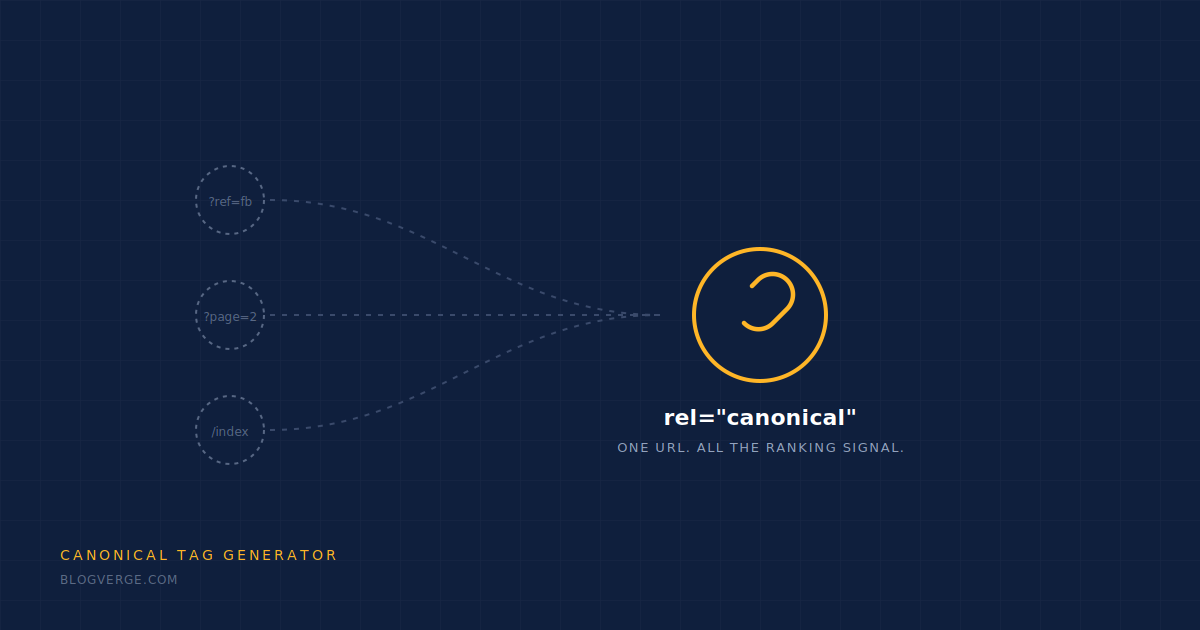
A canonical tag is a small line of HTML — <link rel="canonical" href="..." /> — placed in a page’s <head> section that tells search engines which URL is the “master” version of a piece of content. It’s the single most reliable way to prevent duplicate content issues when the same or similar content is reachable through more than one URL.
This matters more than most bloggers realize. A single post can generate several URL variations — with and without “www”, with tracking parameters, with trailing slashes, or through pagination and print views. Without a canonical tag, search engines have to guess which version to index and rank, and that guess often splits your ranking signals across multiple URLs instead of consolidating them into one. Google’s own documentation on canonicalization confirms this is one of the most common technical SEO issues on the web, especially for e-commerce and content-heavy sites.
Common Canonical Tag Mistakes to Avoid
Even when bloggers know to use a canonical tag, small mistakes can quietly cancel out its benefit. Here are the ones worth checking on your own site.
Pointing to the wrong URL
A canonical tag that points to a redirected or non-existent page confuses crawlers instead of helping them.
Mixing HTTP and HTTPS
If your site runs on HTTPS but the canonical tag points to an HTTP URL, you’re sending a mixed signal search engines may ignore.
Multiple canonical tags on one page
Some themes and plugins insert a second canonical tag automatically. When two conflicting tags exist, search engines may disregard both.
Canonicalizing to a paginated page
Page 2, 3, or 4 of a series should rarely be the canonical target — point to the primary, complete version of the content instead.

How to Use This Canonical Tag Generator
- 01
Paste your URL
Enter the full, absolute URL of the page you want to canonicalize — including https://.
- 02
Click Generate
The tool instantly builds a properly formatted rel=”canonical” tag for that exact URL.
- 03
Copy the tag
Use the Copy button to grab the tag with one click — no manual typing, no formatting mistakes.
- 04
Paste it into your page’s <head>
In WordPress, most SEO plugins (Rank Math, Yoast) set this automatically — but this tool is handy for custom pages, landing pages, or manual HTML sites.

Why Every Blogger Needs This
Protects your rankings
Consolidates ranking signals into one URL instead of splitting them across duplicates.
Fixes duplicate content
Prevents search engines from treating parameterized or mirrored URLs as separate pages.
Takes seconds
No plugin, no sign-up — generate and copy a valid tag faster than writing it by hand.
Works on any platform
WordPress, Shopify, custom HTML — the tag format is universal.
FAQ
Do I need a canonical tag on every page?
It’s good practice on every indexable page, even if it just points to itself. It removes ambiguity for search engines and costs nothing to include.
What happens if I don’t use one?
Search engines will pick a version to index on their own — which isn’t always the version you’d choose, and can dilute your rankings across duplicate URLs.
Can a canonical tag point to a different domain?
Yes — cross-domain canonicals are valid and commonly used for syndicated content, but they should only be used when the destination page is genuinely the authoritative source.
Does WordPress add canonical tags automatically?
Most modern SEO plugins like Rank Math and Yoast add self-referencing canonical tags automatically. This generator is most useful for custom pages, static HTML sites, or manually verifying what’s currently set.